Need personal help? We reply quickly.
Reach our team directly — we walk new creators through setup.
InkToAudio help center
How to use InkToAudio
A complete, plain-English guide for turning your writing into studio-quality audio and distributing it as a podcast. Every feature is explained step by step — no technical knowledge required.
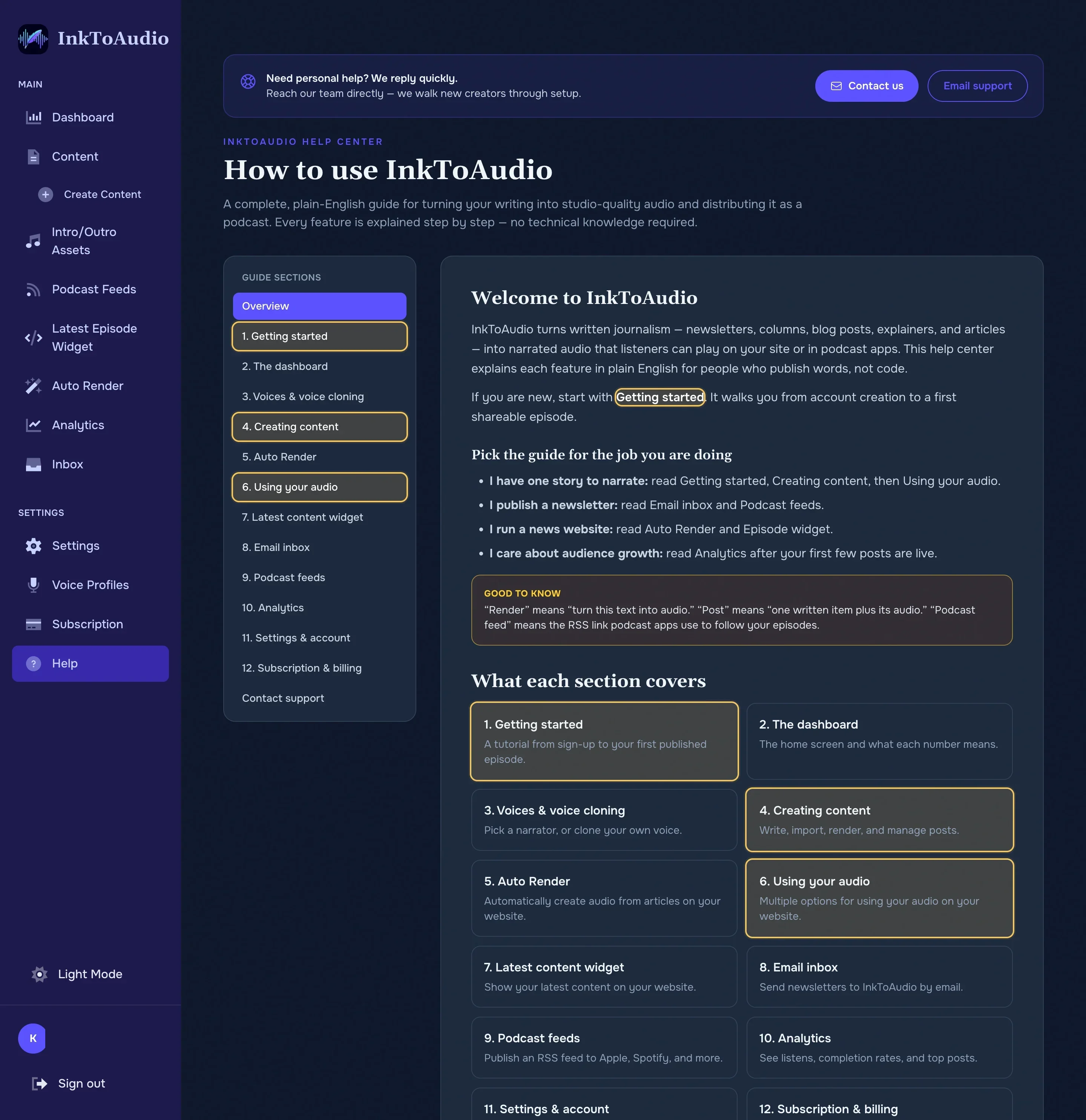
Welcome to InkToAudio
InkToAudio turns written journalism — newsletters, columns, blog posts, explainers, and articles — into narrated audio that listeners can play on your site or in podcast apps. This help center explains each feature in plain English for people who publish words, not code.
If you are new, start with Getting started. It walks you from account creation to a first shareable episode.
Pick the guide for the job you are doing
- I have one story to narrate: read Getting started, Creating content, then Using your audio.
- I publish a newsletter: read Auto Render, Email inbox and Podcast feeds.
- I run a news website: read Auto Render and Episode widget.
- I care about audience growth: read Podcast feeds and Analytics after your first few posts are live.
- I work with a team: read Team members & roles before inviting coworkers.
Good to know
What each section covers
1. Getting started
A tutorial from sign-up to your first published episode.
2. The dashboard
The home screen and what each number means.
3. Voices & voice cloning
Pick a narrator, or clone your own voice.
4. Creating content
Write, import, render, and manage posts.
5. Auto Render
Automatically create audio from articles on your website.
6. Using your audio
Multiple options for using your audio on your website.
7. Latest content widget
Show your latest content on your website.
8. Email inbox
Send newsletters to InkToAudio by email.
9. Substack workflow
10. Beehiiv workflow
11. WordPress workflow
12. Ghost workflow
13. Podcast feeds
Publish an RSS feed to Apple, Spotify, and more.
14. Analytics
See listens, completion rates, and top posts.
15. Settings & account
Profile, brand logo, and defaults.
16. Team members & roles
Invite teammates, assign roles, manage seats, and switch workspaces.
17. Subscription & billing
Plans, usage limits, invoices, and referrals.
Contact support
Contact our support team.